Getting Started - Students
Let's discover PRAXIS in less than 10 minutes.
tip
For alternate language support, choose from the drop-down top right
What you'll need
- Your Moorlands Student email
- The password you use to login to Moodle
Login to the correct URL
For students this is:
https://portal.moorlands.ac.uk/login
or Navigate Here and then bookmark the page
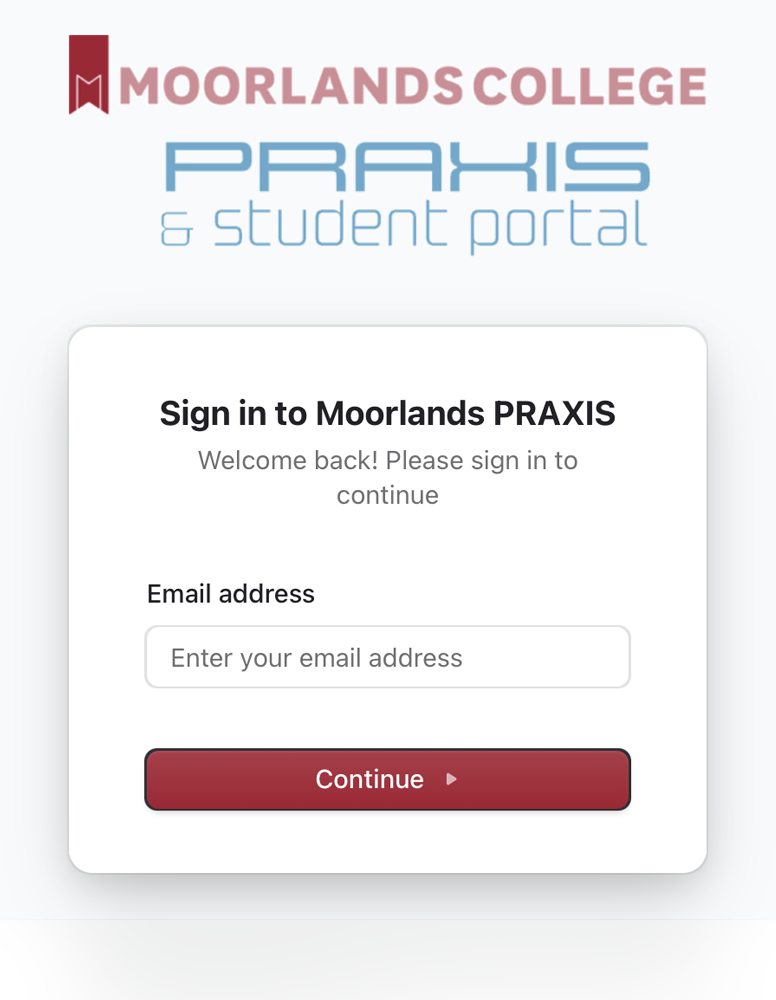
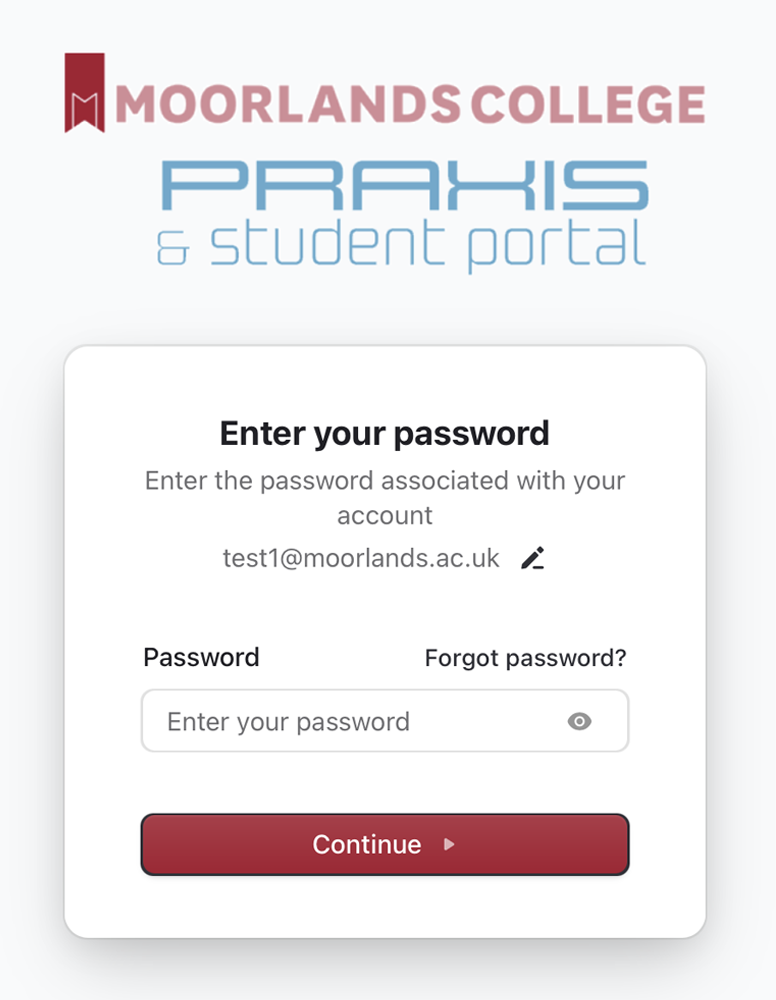
Enter your email address, continue, then password, and continue
Refer to the tutorial if you are unsure
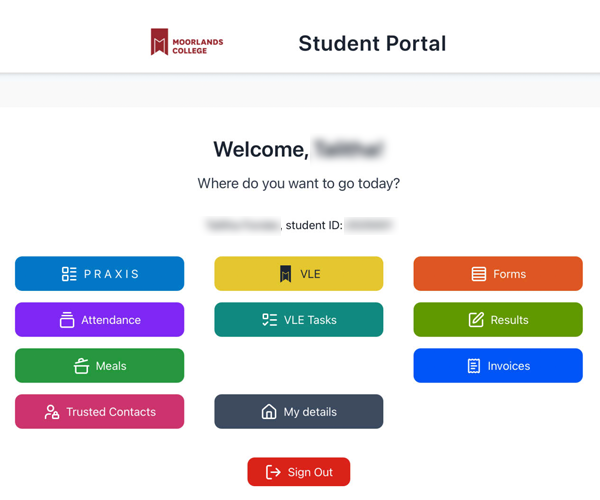
The login screen is like this, and once successful, your home dashboard will be this. If there is any problem, please take a screenshot and email to portalsupport@moorlands.ac.uk
login
home