v1.0.3

Version 1.0.3 public test release
- First steps to collecting and displaying Placement data
- JSON is pre-composed in the PLC table to simplify the fetch
The information retrieved is based on a year (where there may be more than one placement per year) so the years are displayed acrosst the top, where you can select the data for that year
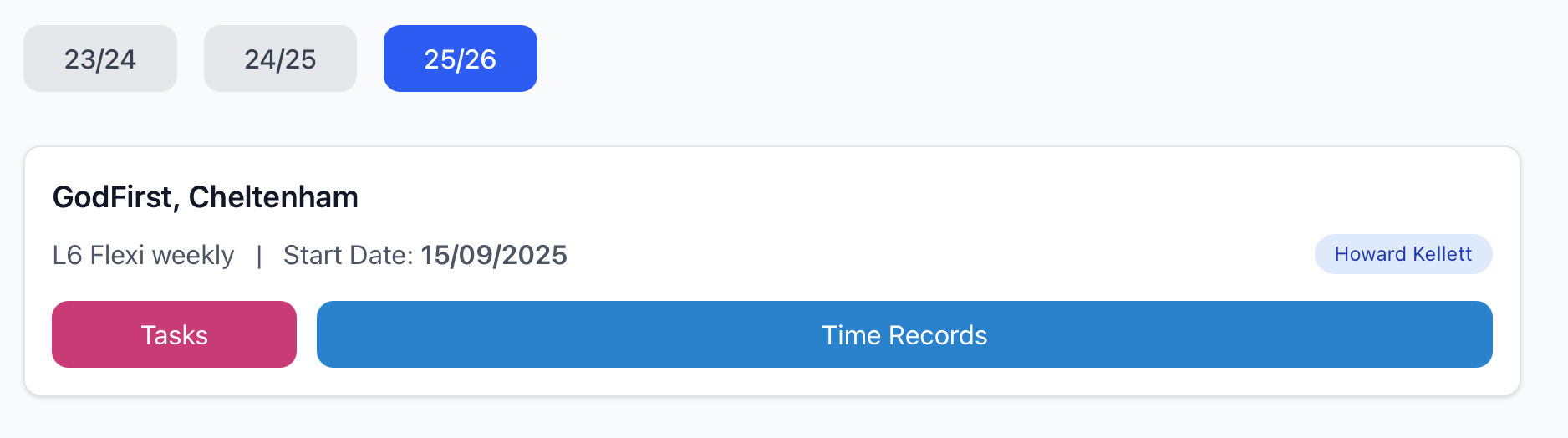
WIP
Select the Tasks button to see a list of deadline dates relating to tasks - from the start of the placement to (n) days in the future. There are indicators showing if the task is editable or not. If it editable (or empty) then selecting the item opens a card where the specific task inputs are presented.
Select the Time Records button to see a list of the time records that have been entered, showing date, hours recorded and the first nnn characters of the description so it fits in a reduced one-line space. There is a button to create a new record, which opens a card element to add date, time, description and includes a drop-down for the type (based on the Course requirements)
The project includes shadcn UI components, initial work to move some elements to their shadcn alternatives, to give a more consistent feel between pages.
Clerk metadata has been refactored so that all IDs are inside privateMetadata, but a single re-usable route can be used server-side to get any or all of the IDs then cache them, so there will be no need for a route to just get student-id or staff-id. Other code refactoring has simplified the number or round trips just to get an ID.