Task entries
The side-bar will show you any task and it's deadline date, for which you are required to make an entry. There may be a simple status to help you review the progress, or a lable indicating who the next step is with.
- open
- saved
- locked
- marked
- complete
An item may appear 'unavailable' and your mouse will not be able to open them. You can save as you go along and return later, Once you have finally submitted a task it will ve viewable but the entry fileds will be lilac to indicate they are read-only.
At the top, the ones with the edit icon are available for you to select so that you can supply data.
Select one of the available rows to go to that specific Task, so that you can either edit/submit the Task, or review any comments from your supervisor or marker.
At the bottom of the page are FOUR buttons. Save Progress, Clear, Close, and Submit Task. Select the first to save your work at any point, to come back to later.
If you use the close button at the bottom or a back navigation butotn at the top, then we will also automatically save your current state ready for when you return.
Clear will empty ALL the answers you have currently entered, so use this with some caution!
Submit is for when you no longer have any changes or anything to add. This will add the current date to the record, so we can see if you have met the deadline, and set the record to a locked status. So, make sure you are ready to do it, and make sure you do it!
Below the questions but above the buttons may be rows to upload different types on content as required by the task. Each one will only select files of an appropriate type. (see FAQ)

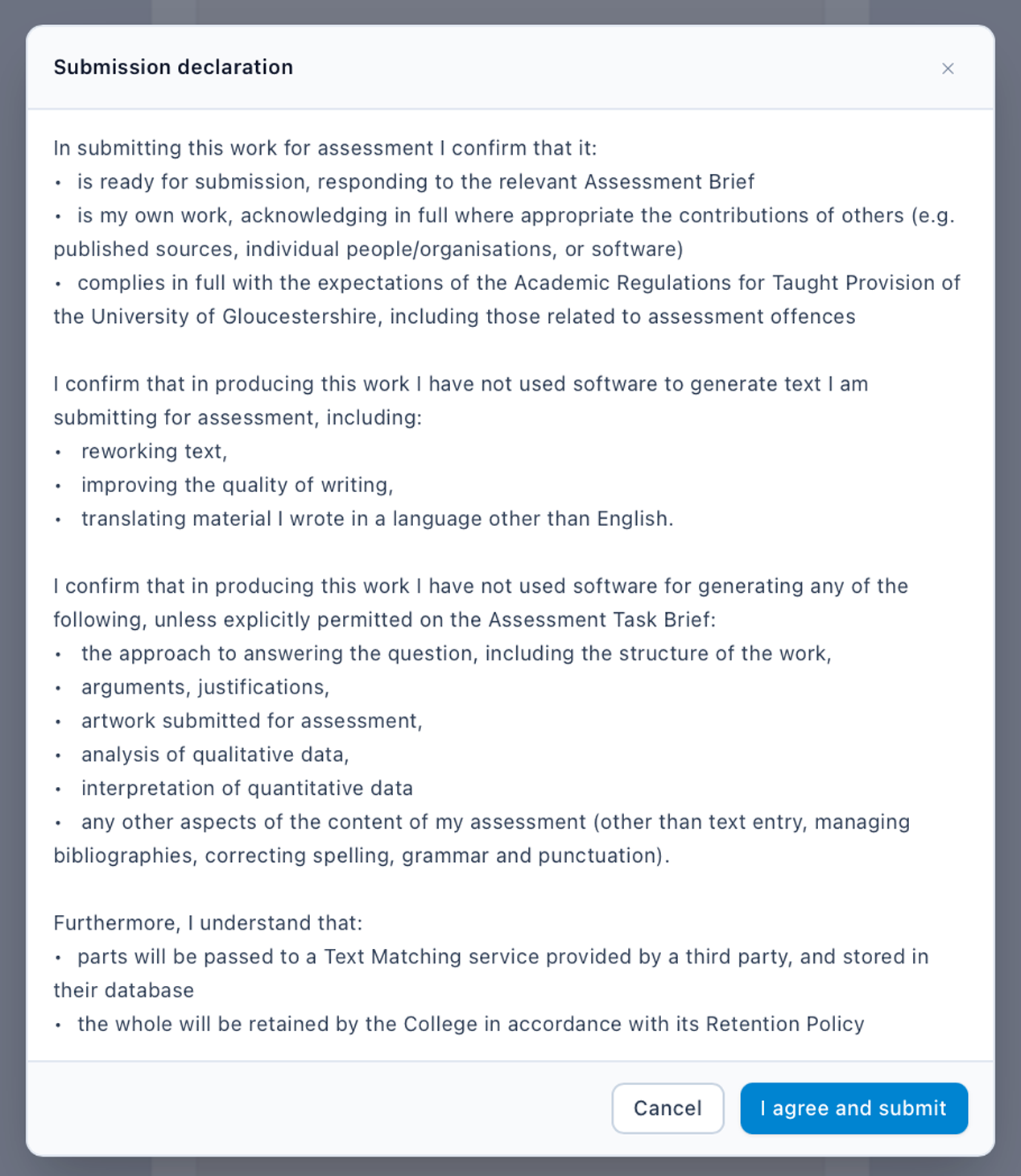
The button is always active, just more of a tint, but if you hover over it will turn the full red. The submit process concludes with a confirmation statement that your work complies with relevant requirements and regulations. As you have two steps to complete, then we hope to avoid 'accidental' submissions. If anything required has not been completed, then the submit should not work anyway.